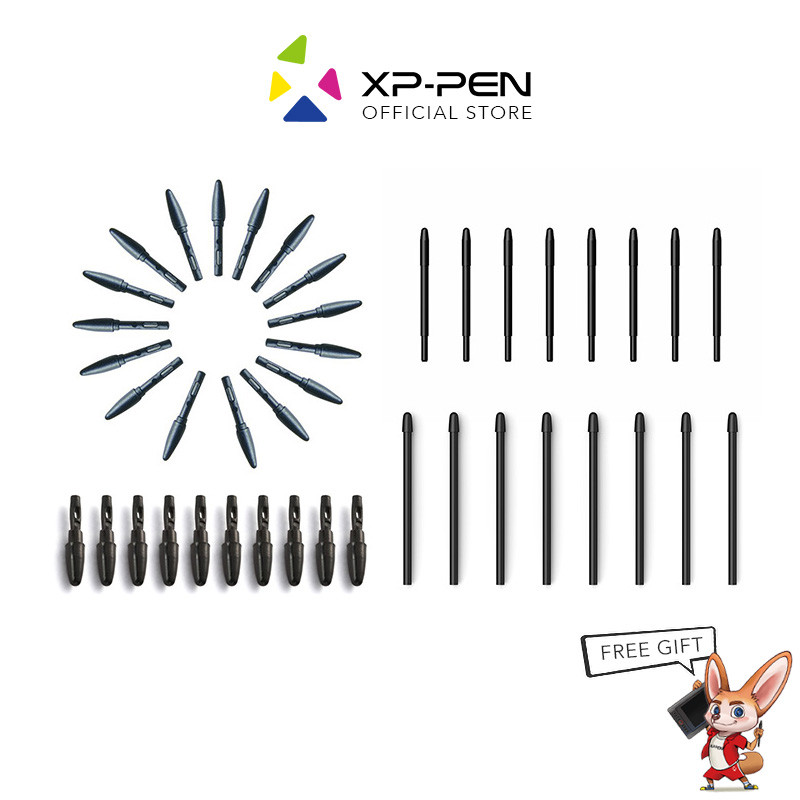
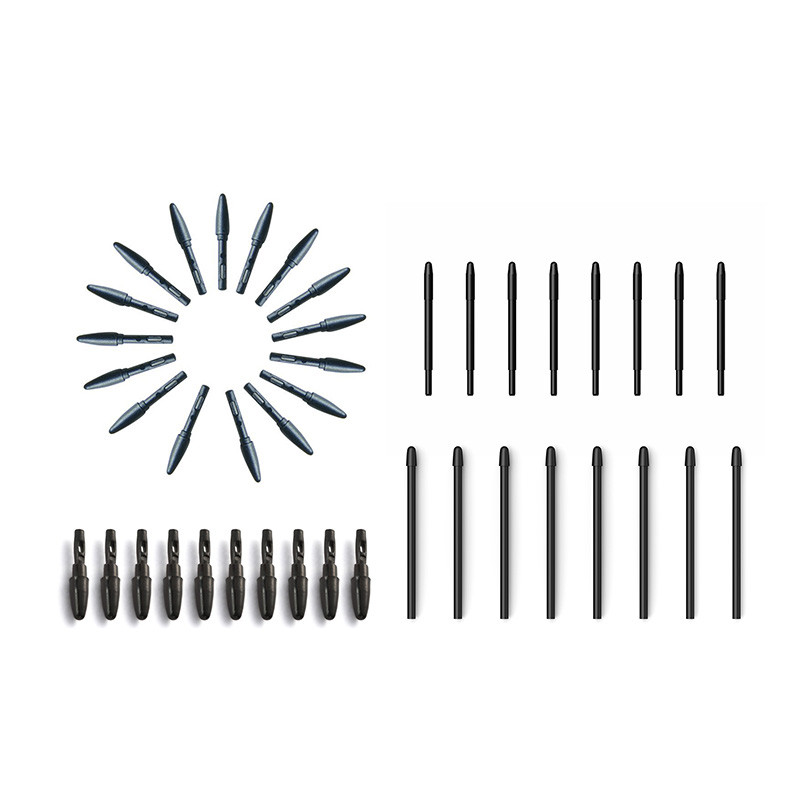

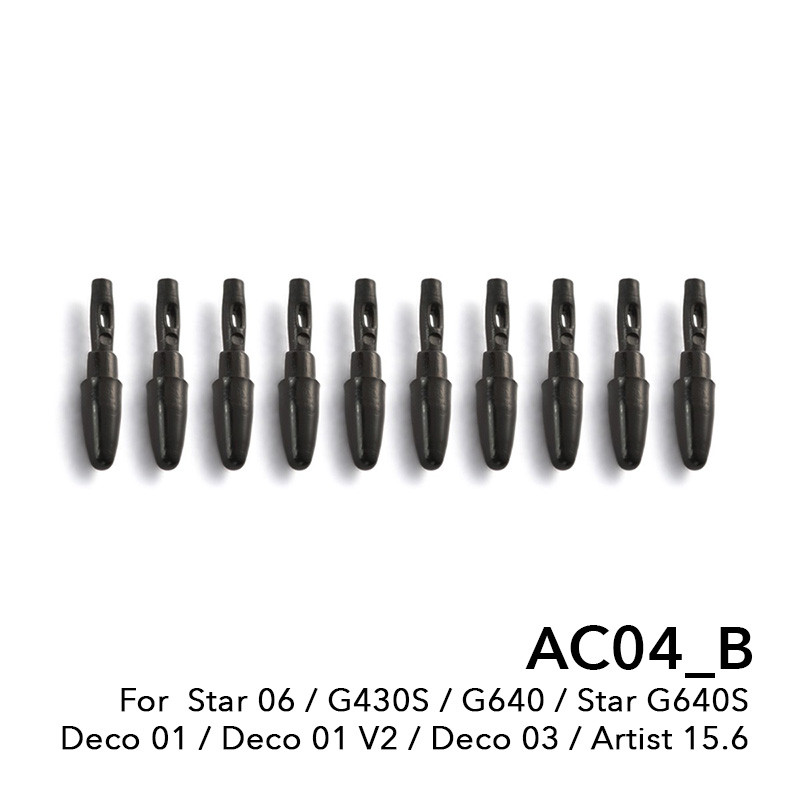

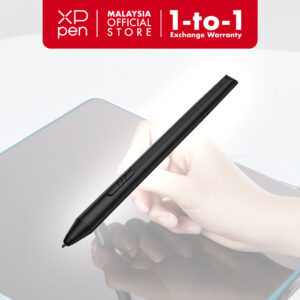
AC04_B: For Star 06, G430S, G640, Deco 01, Star G640S, Deco 01 V2, Deco 03, Artist 15.6
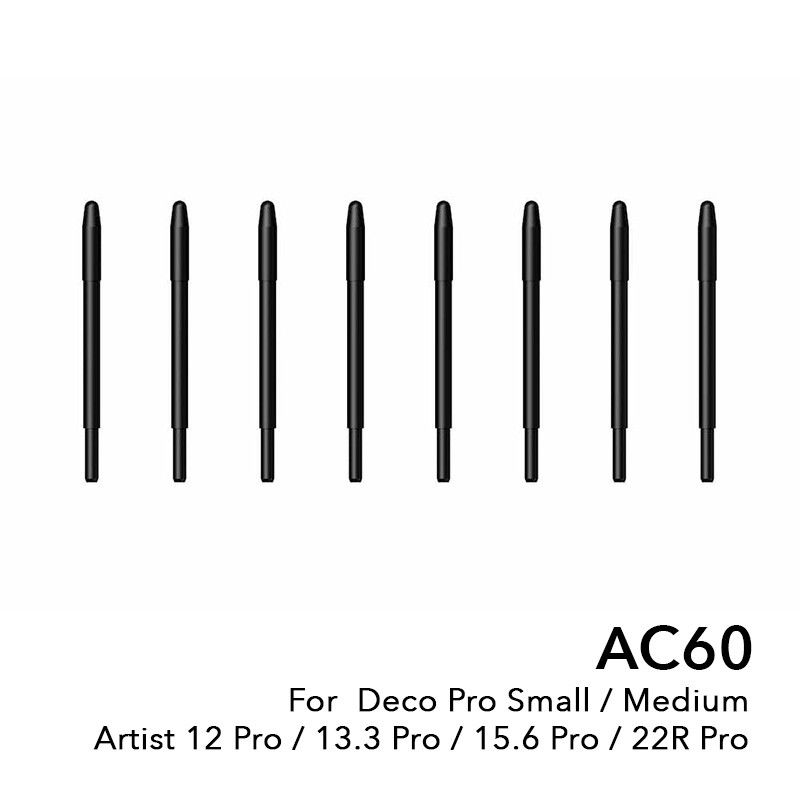
AC60: For Deco Pro Small / Medium, Artist 12 Pro, 13.3 Pro, 15.6 Pro, 22R Pro
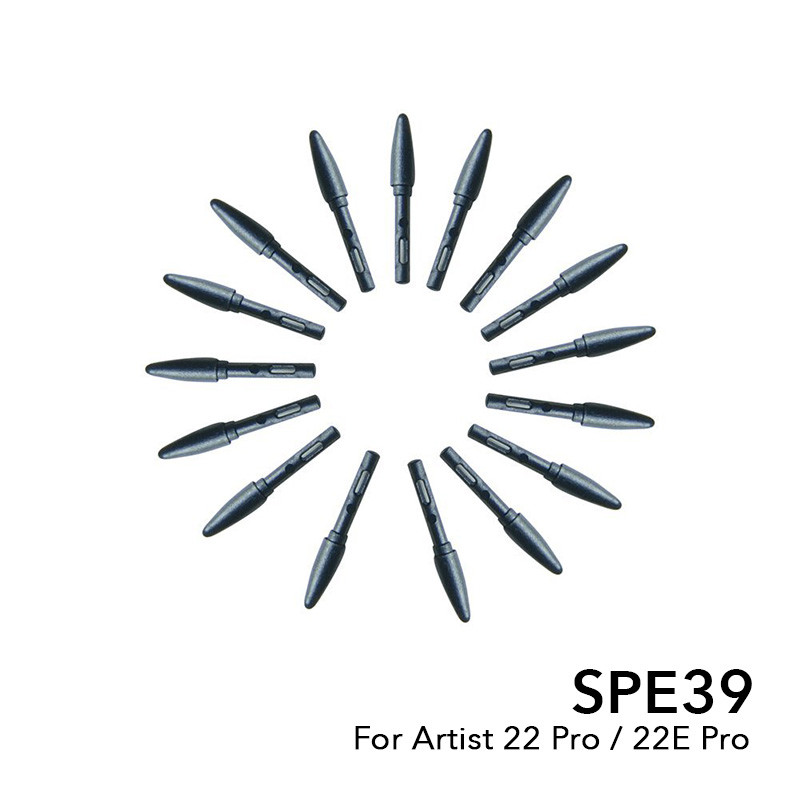
AC40: For Artist 22 pro & 22E Pro
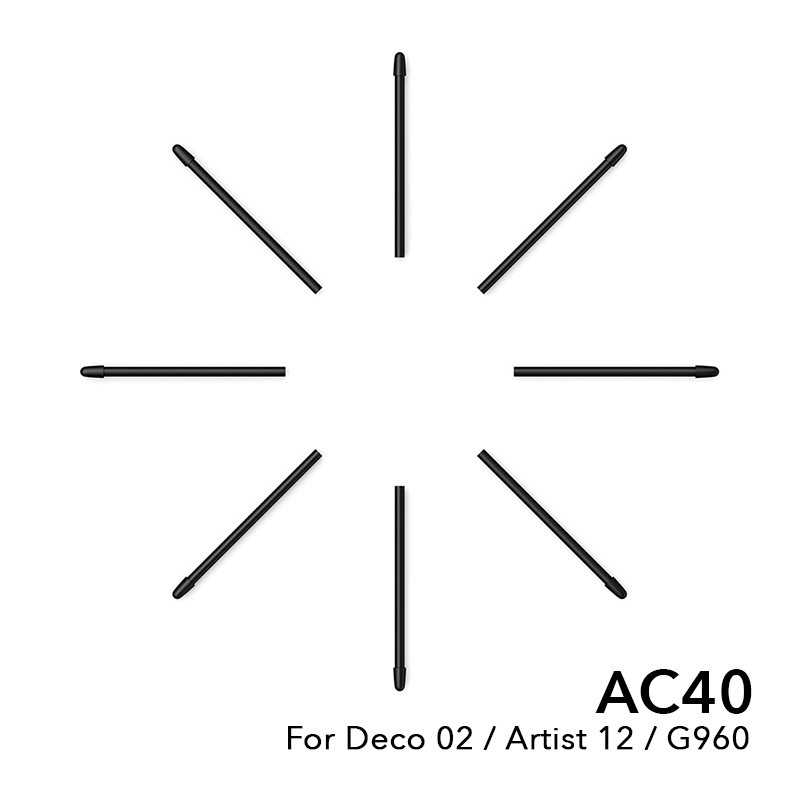
SPE39: For Deco 02, Artist 12, G960
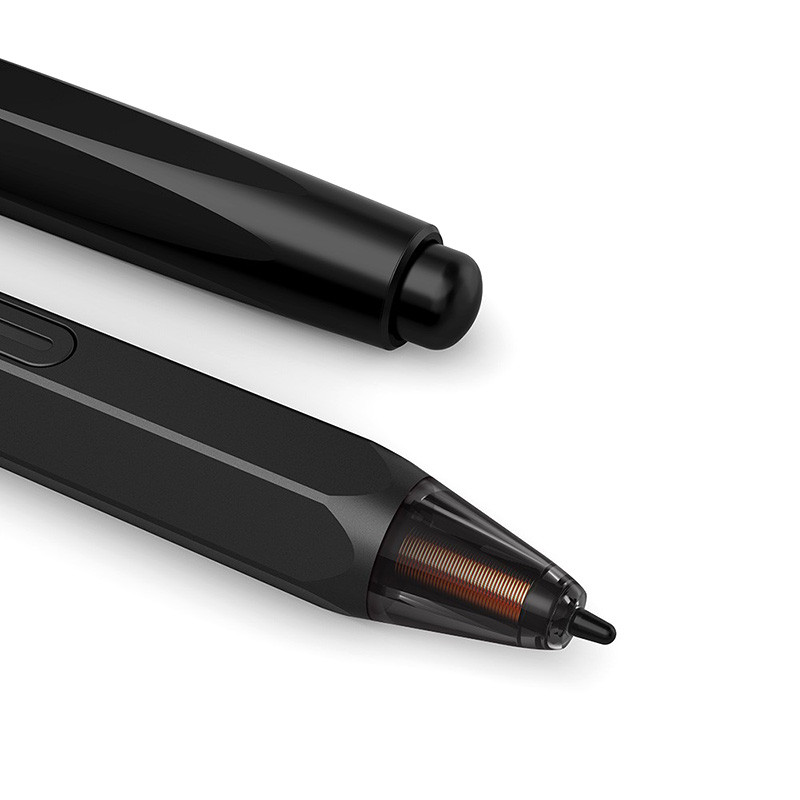
Replace your pen nib when it is worn out approximately 1 mm (1/25 inch) or has a sharp edge that scratches your tablet surface.
Steps to replace pen nibs:
1. Grab the old nib and pull it out of the pen.
2. Get a replacement nib and slide the end of the new nib straight into the barrel of the pen.
3. Push the nib in slowly and firmly until it stops.
#XPPEN #tablet #stylus #pen #pennibs #replacementnibs #replacement #digitalart #digitalillustration #digitalpainting #graphic #graphicdesign #animation #fashiondesign